Appearance
iTime
The iTime uniform provides the number of seconds elapsed since the shader started running. It is passed to your shader as a single f32 value and is updated every frame.
This enables time-based animation effects like pulsing, rotation, waves, scrolling, dynamic color changes, or other procedural motions.
Usage
iTime is commonly used to animate properties over time or introduce periodic behavior using trigonometric functions.
Common Use Cases
Animate with sine wave
wgsllet offset = sin(iTime);Loop an effect every 2 seconds
wgsllet t = iTime % 2.0;Drive hue or brightness over time
wgsllet brightness = 0.5 + 0.5 * sin(iTime * 2.0);
Examples
Animated Pulse Using sin(iTime)

wgsl
@fragment
fn main(@builtin(position) pos: vec4<f32>) -> @location(0) vec4<f32> {
  // Create a pulsating brightness using sine
  let brightness = 0.5 + 0.5 * sin(iTime * 2.0);
  return vec4(brightness, brightness, brightness, 1.0);
}This example creates a smooth pulsing animation that cycles from black to white and back using sin(iTime).
Rotating Hue Over Time

wgsl
@fragment
fn main(@builtin(position) pos: vec4<f32>) -> @location(0) vec4<f32> {
  let hue = iTime * 2.0; // quickly cycles hue
  let color = vec3(
    0.5 + 0.5 * sin(hue),
    0.5 + 0.5 * sin(hue + 2.0),
    0.5 + 0.5 * sin(hue + 4.0)
  );
  return vec4(color, 1.0);
}This animates the hue over time using phase-shifted sine waves across RGB channels.
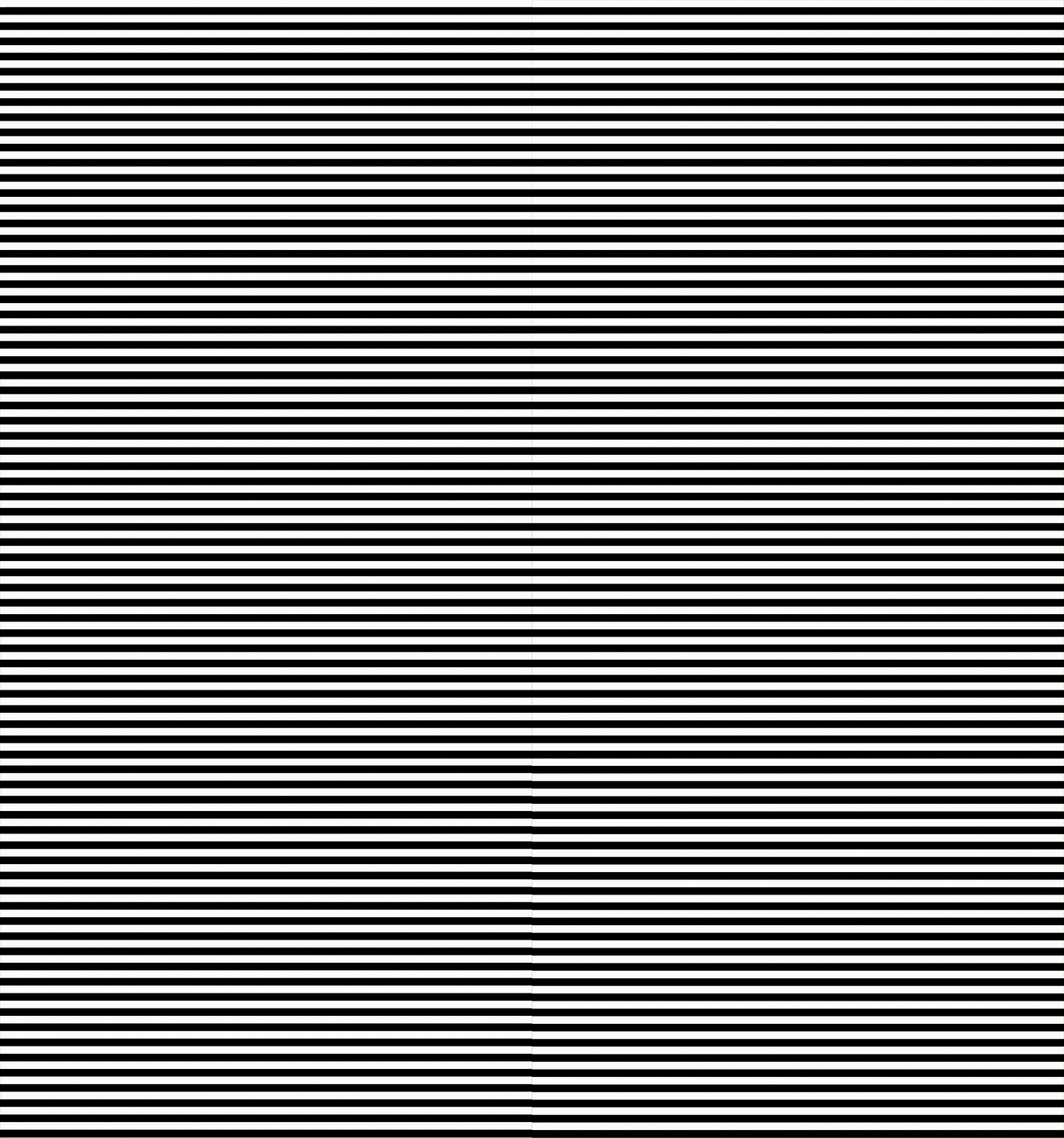
Scrolling Stripes
wgsl
@fragment
fn main(@builtin(position) pos: vec4<f32>) -> @location(0) vec4<f32> {
  let speed = 40.0;
  let offset = iTime * speed;
  let band = floor((pos.y + offset) / 20.0) % 2.0;
  if (band == 0.0) {
    return vec4(1.0, 1.0, 1.0, 1.0); // white stripe
  } else {
    return vec4(0.0, 0.0, 0.0, 1.0); // black stripe
  }
}This example uses iTime to scroll horizontal stripes upward at a constant speed.