Appearance
iResolution
The iResolution uniform provides the resolution of the canvas in pixels as a vec3<f32>.
Its components are:
x: Width of the canvas (in pixels)y: Height of the canvas (in pixels)z: Reserved for future use (typically1.0in 2D contexts)
Usage
iResolution is typically used to normalize fragment coordinates or scale effects relative to screen size.
This ensures your shader behaves consistently across different devices and resolutions.
Common Use Cases
Normalize coordinates Convert pixel position to UV space:
wgsllet uv = pos.xy / iResolution.xy;Maintain aspect ratio Adjust effects based on screen shape:
wgsllet aspect = iResolution.x / iResolution.y;Center-based effects Create gradients or masks around the center:
wgsllet center = iResolution.xy * 0.5;Pixel snapping or anti-aliasing Use inverse resolution for fine control:
wgsllet pixel = 1.0 / iResolution.xy;Resolution-dependent scaling Scale blur radius or stroke width dynamically:
wgsllet blurSize = 4.0 * iResolution.y / 1080.0;
Examples
Visualizing Normalized Coordinates
A gradient where red and green reflect X/Y screen position respectively. This effect scales seamlessly with resolution.
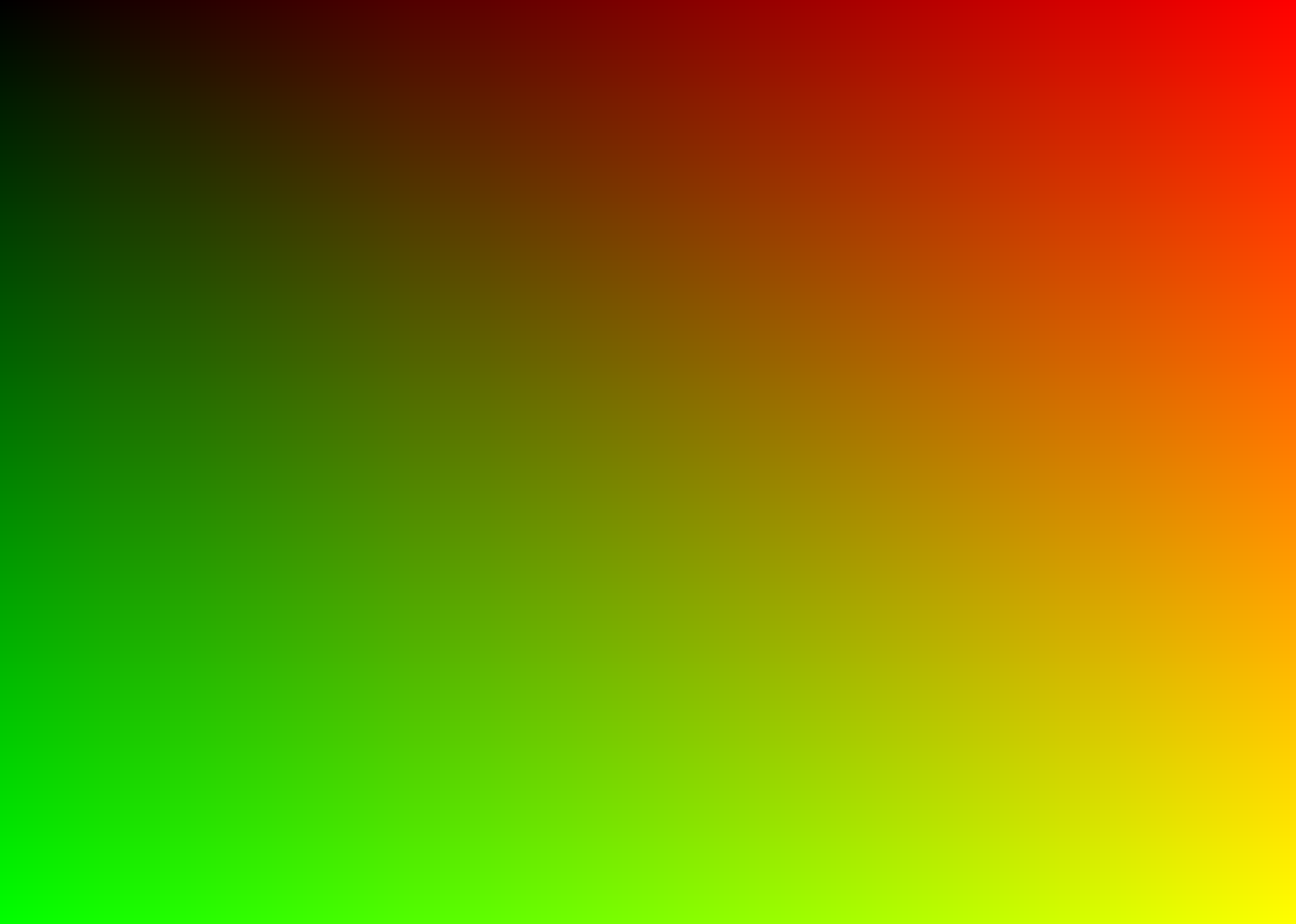
wgsl
@fragment
fn main(@builtin(position) pos: vec4<f32>) -> @location(0) vec4<f32> {
  // Convert pixel coordinates to normalized coordinates (UV)
  // by dividing by screen resolution.
  let uv = pos.xy / iResolution.xy;

  // Use UV values to produce a gradient.
  // Red = horizontal position, Green = vertical position.
  return vec4(uv, 0.0, 1.0);
}iResolution is used here to normalize the pixel position into a 0–1 range. This is crucial for creating resolution-independent effects — for example, the gradient will look the same regardless of screen size.
Preserving Aspect Ratio for Circular Effects
This example shows how to correct for aspect ratio to ensure circular shapes don’t appear stretched on wide or tall screens.

wgsl
@fragment
fn main(@builtin(position) pos: vec4<f32>) -> @location(0) vec4<f32> {
  // Normalize coordinates to [0, 1]
  let uv = pos.xy / iResolution.xy;

  // Convert to centered coordinates [-1, 1]
  let centered = uv * 2.0 - vec2<f32>(1.0, 1.0);

  // Correct for aspect ratio so circle isn't stretched
  let aspect = iResolution.x / iResolution.y;
  let corrected = vec2<f32>(centered.x * aspect, centered.y);

  // Radial gradient based on distance from center
  let d = length(corrected);
  let color = smoothstep(0.5, 0.2, d); // fade to black at edge
  return vec4<f32>(color, color, color, 1.0);
}In this example, iResolution is used to preserve the aspect ratio of a circular shape. Without this correction, the circle could appear stretched on non-square viewports. The coordinates are first normalized, then scaled to account for the screen’s width-to-height ratio, ensuring consistent visuals across all resolutions.